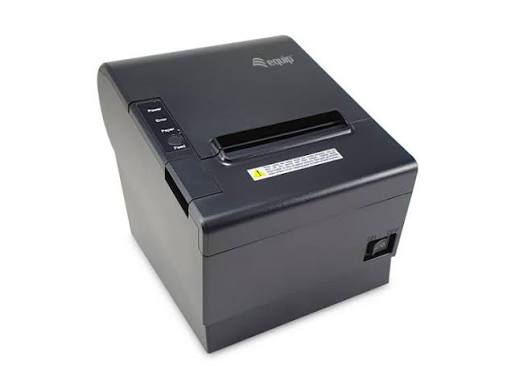
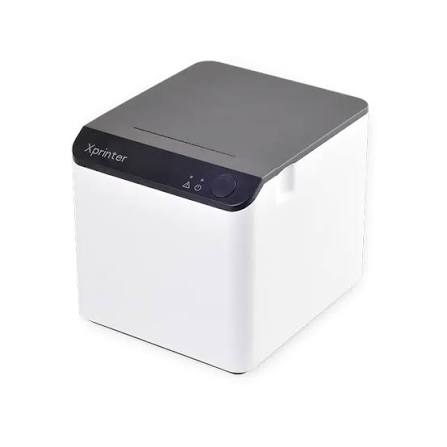
Choosing the right point-of-sale hardware can have a direct impact on how efficiently your business handles transactions, inventory, customer service, and daily operations. The equipment needs to be reliable, compatible with your software, and suitable for the environment in which it will be used.
A dependable POS Hardware Supplier can help businesses identify equipment that matches their operational needs rather than simply offering the lowest-priced products. From terminals and barcode scanners to receipt printers and payment devices, every component should work together as part of a practical POS setup.
Understand Your Business Requirements
Before comparing suppliers, determine what your business actually needs. A small retail store may require a basic terminal, receipt printer, and barcode scanner, while a restaurant may need kitchen printers, customer displays, and specialized ordering equipment.
Consider factors such as:
- Number of checkout stations
- Type and volume of transactions
- Available counter space
- Required peripherals
- Expected business growth
- Compatibility with existing POS software
Having these requirements clearly defined makes it easier to compare suppliers on relevant factors rather than price alone.
Check Hardware Compatibility
POS hardware should work smoothly with your existing software and payment systems. Incompatible equipment can create operational problems, slow down transactions, or require additional investments.
Ask suppliers which operating systems, POS applications, payment platforms, and peripheral devices their products support. Compatibility should be confirmed before placing an order, particularly when adding new hardware to an established POS system.
Evaluate Hardware Quality and Reliability
POS equipment is often used continuously throughout the business day. Frequent hardware failures can interrupt sales and create unnecessary maintenance costs.
Look for equipment designed for commercial environments. Pay attention to build quality, durability, expected operating life, and manufacturer reputation. For high-volume businesses, hardware with stronger performance specifications may be worth the additional investment.
Consider the Total Cost
The purchase price is only one part of the overall cost of POS hardware. Businesses should also consider installation, maintenance, replacement parts, software compatibility, warranties, and potential upgrades.
A lower-priced device may become more expensive over time if it requires frequent repairs or becomes obsolete quickly. Comparing the total cost of ownership provides a more realistic basis for choosing between suppliers.
Review Warranty and Support Options
Even reliable equipment can eventually require troubleshooting or replacement. A supplier should provide clear information about warranty coverage and the process for handling defective equipment.
Before making a purchase, find out:
- How long the warranty lasts.
- Which components and issues are covered.
- Whether technical support is available after installation.
- How replacement or repair claims are handled.
- Whether spare parts are readily available.
Accessible support can reduce downtime when a critical POS component stops working.
Look for Scalable Solutions
Your POS requirements may change as your business grows. You might add checkout stations, introduce new payment methods, open additional locations, or expand inventory management capabilities.
Choose hardware that can accommodate reasonable future changes. A scalable setup can reduce the need to replace an entire system whenever your business expands.
Assess Supplier Experience
Experience can be especially valuable when a business has specific POS requirements. Suppliers familiar with different retail, hospitality, and service environments may be better positioned to explain the advantages and limitations of various hardware options.
However, experience should be evaluated alongside product quality, support, compatibility, and pricing. A supplier’s reputation should not be the only deciding factor.
Ask About Integration and Installation
Some POS hardware requires configuration before it can be used effectively. Ask whether the supplier provides installation guidance, setup assistance, or integration support.
This is particularly important when several components need to communicate with one another. Proper installation can help prevent connectivity issues and reduce setup time.
Compare Suppliers Carefully
Once you have identified your requirements, compare several suppliers using the same criteria. Looking at product specifications alone may not provide enough information to make a sound decision.
Consider the supplier’s hardware range, compatibility, warranty terms, support services, delivery arrangements, and overall cost. Customer reviews and independent feedback can also provide useful insight into reliability and service quality.
Make Reliability a Priority
The best POS hardware supplier is not necessarily the one offering the cheapest equipment. Reliability, compatibility, support, scalability, and long-term value are often more important considerations for businesses that depend on their POS system every day.
By defining your requirements first and then evaluating suppliers against consistent criteria, you can choose hardware that supports efficient transactions today while leaving room for future growth.