Printing technology continues to evolve as businesses adopt more flexible and connected ways of managing daily operations. Traditional printing systems often rely on wired connections and fixed workstations, which can limit where employees complete printing tasks. As workplaces become increasingly mobile, wireless connectivity is creating new opportunities for faster communication between devices and printing equipment.
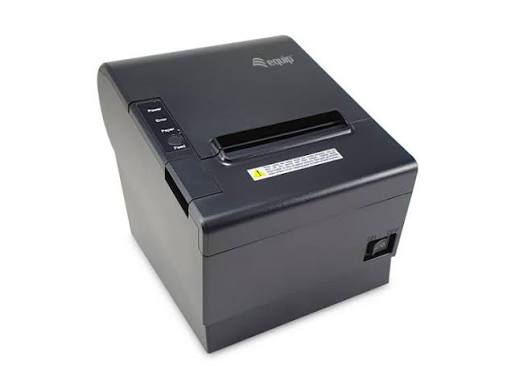
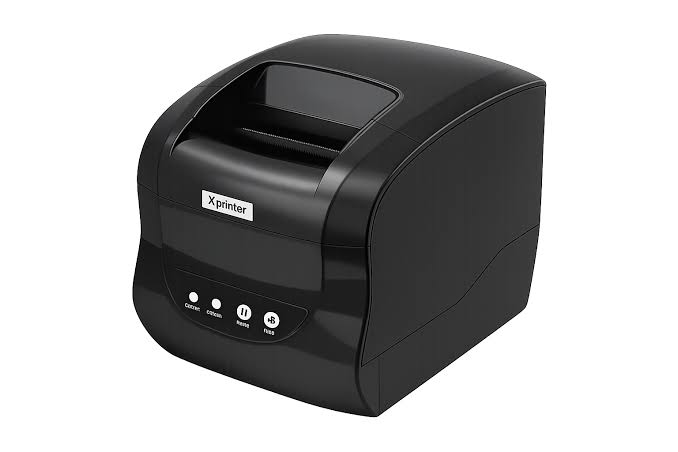
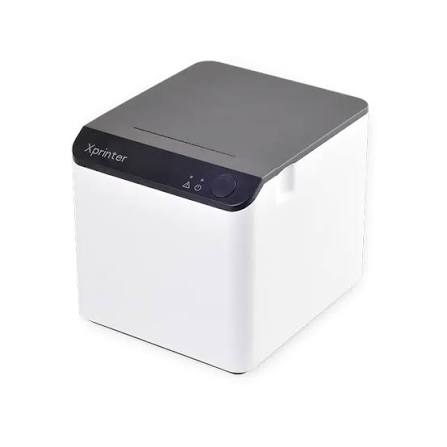
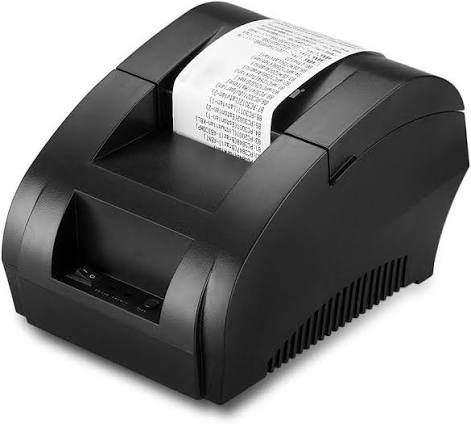
A modern Thermal Printer can support wireless communication through technologies such as Bluetooth and Wi-Fi, depending on its model and configuration. These capabilities allow compatible computers, smartphones, tablets, and business systems to send print jobs without requiring a direct physical connection. As a result, wireless thermal printing is helping businesses simplify workflows, improve workplace flexibility, and manage printing activities across different environments.
1. Understanding Wireless Thermal Printing
Wireless thermal printing refers to using wireless communication technologies to send printing instructions from a connected device to a thermal printer.
Instead of relying exclusively on USB or other wired interfaces, compatible printers can receive print data through supported wireless connections. Employees can send receipts, labels, tickets, and other documents from devices within the network or supported communication range.
Wireless connectivity is particularly useful in environments where employees move between work areas or where installing physical cables would be inconvenient.
The exact wireless capabilities depend on the printer model, supported protocols, operating system, and software being used.
2. The Role of Bluetooth in Thermal Printing
Bluetooth is a common wireless connectivity option in portable and compact thermal printers. It allows compatible devices to communicate over relatively short distances without requiring a traditional wireless network.
Businesses often use Bluetooth thermal printers with smartphones, tablets, handheld terminals, and mobile POS devices.
Common applications include:
- Printing receipts at temporary checkout counters
- Generating labels in warehouses
- Producing tickets during outdoor events
- Printing transaction records during mobile sales
- Supporting delivery documentation
Bluetooth is useful when employees need a direct wireless connection between a mobile device and a printer. However, businesses should check device compatibility, supported Bluetooth versions, and practical operating range before purchasing equipment.
3. How Wi-Fi Improves Printing Flexibility
Wi-Fi connectivity allows compatible thermal printers to communicate through a wireless local area network. Unlike a direct Bluetooth connection, a network-connected printer can often receive jobs from multiple authorized devices within the same network.
This capability is valuable in workplaces where several employees need access to shared printing equipment.
For example, a restaurant can connect compatible order terminals to a Wi-Fi thermal printer in the kitchen. Retail businesses can also use network-connected printers at different service counters.
Wi-Fi connectivity can help organizations:
- Share printing equipment across departments
- Reduce the need for long physical cables
- Place printers in convenient working locations
- Support printing from compatible mobile devices
- Integrate printers with network-based business systems
Proper network configuration and access controls are important to maintain reliable communication and protect business information.
4. Supporting Mobile Point-of-Sale Systems
Mobile point-of-sale systems have changed how businesses process transactions. Instead of depending entirely on fixed checkout counters, employees can use smartphones, tablets, and portable payment terminals to serve customers in different locations.
Wireless thermal printers support these systems by producing receipts after transactions are completed.
Retail staff can assist customers on the sales floor, while restaurant employees can process payments near tables. Market vendors and temporary retail businesses can also use portable printing equipment to provide transaction records.
This approach can reduce dependence on fixed checkout stations and create more flexible customer service arrangements.
5. Improving Warehouse and Inventory Operations
Warehouses frequently require employees to print product labels, barcode stickers, shelf identifiers, and shipping information in different locations.
Traditional wired printers may require workers to return to a fixed workstation whenever they need a new label. Wireless printing can reduce this inconvenience when compatible mobile devices and printers are available.
Employees can send print jobs from handheld terminals or tablets while working near storage areas, packing stations, or receiving points.
For example, a warehouse worker can identify an incoming product, retrieve its information through inventory software, and print a corresponding barcode label using a nearby wireless printer.
This can help reduce unnecessary movement and support more efficient inventory workflows.
6. Enhancing Restaurant and Hospitality Services
Restaurants, cafes, hotels, and other hospitality businesses often manage orders across several service areas. Wireless printing can help connect these activities without requiring every printer to be physically attached to a central computer.
A restaurant may use network-connected thermal printers to receive orders from compatible POS terminals or service devices.
Possible applications include:
- Kitchen order tickets
- Bar and beverage station orders
- Customer receipts
- Takeaway order labels
- Room service documentation
- Service counter tickets
When properly configured, wireless printing can help employees communicate orders more efficiently and reduce delays caused by manual information transfer.
7. Reducing Cable Management Challenges
Wired printing systems require physical connections between printers and compatible devices. In some workplaces, these cables can create installation challenges, limit equipment placement, or make workstations less flexible.
Wireless connectivity can reduce the number of cables required for data communication.
This is particularly useful in environments such as temporary retail locations, event venues, mobile service areas, and warehouses where equipment may need to be repositioned.
However, wireless printers still require an appropriate power source unless they are designed with rechargeable batteries. Businesses should also consider network coverage, signal interference, and installation requirements.
8. Connecting Thermal Printers with Business Software
Wireless connectivity becomes more valuable when printers work with business applications.
Modern POS, inventory management, warehouse management, and shipping systems can generate print jobs automatically when configured with compatible printer drivers, software development kits, or communication protocols.
For example, an e-commerce platform may generate a shipping label after an order is confirmed. The software can send the label data to a compatible network printer without requiring employees to transfer information manually.
Similarly, retail software can trigger receipt printing after a completed payment.
Successful integration depends on the printer’s supported commands, operating system compatibility, network configuration, and application requirements.
9. Supporting E-Commerce and Delivery Operations
Online retailers and delivery companies handle large numbers of orders that require accurate labeling and documentation.
Wireless thermal printers can support these processes by allowing employees to print shipping labels and order identification stickers from compatible mobile devices.
A packing employee can retrieve an order from a warehouse system, confirm the shipment information, and send the corresponding label to a nearby printer.
Delivery businesses may also use portable wireless printers to produce receipts or other documents during field operations.
These capabilities can help reduce manual data entry and support more organized order fulfillment.
10. The Advantages of Portable Wireless Thermal Printers
Portable thermal printers combine compact designs with wireless communication and, in some models, rechargeable batteries.
They are useful for businesses that need to print documents away from traditional office workstations.
Common applications include:
Field services: Printing job records and transaction documents at customer locations.
Mobile retail: Producing receipts at markets, exhibitions, and temporary sales counters.
Transportation: Generating tickets and other records during passenger services.
Delivery operations: Printing relevant documentation while processing shipments.
Warehouse activities: Producing identification labels close to storage and packing areas.
Businesses should evaluate battery capacity, printer weight, media compatibility, and wireless range when selecting portable equipment.
11. Bluetooth vs. Wi-Fi: Understanding the Differences
Bluetooth and Wi-Fi serve different purposes in wireless printing. The right choice depends on the number of connected devices, working environment, and required communication range.
| Feature | Bluetooth | Wi-Fi |
|---|---|---|
| Connection method | Direct wireless pairing | Wireless network |
| Typical use | Mobile and portable printing | Shared network printing |
| Network requirement | Usually no Wi-Fi network needed | Requires a compatible network |
| Device access | Generally suited to direct connections | Can support multiple authorized devices |
| Common applications | Mobile receipts and field printing | Retail counters and shared workplace printers |
| Main consideration | Pairing and device compatibility | Network configuration and security |
Some thermal printers support both technologies, giving businesses more flexibility when configuring their printing systems.
12. Wireless Security and Data Protection
Wireless connectivity offers convenience, but it also introduces security considerations. Printers connected to business networks may receive transaction details, customer information, shipping addresses, and other operational data.
Organizations should take appropriate precautions to protect these communications.
Recommended practices include:
- Use strong Wi-Fi network passwords.
- Enable supported wireless security protocols.
- Restrict printer access to authorized users and devices.
- Change default administrative credentials when applicable.
- Keep printer firmware updated according to manufacturer guidance.
- Avoid connecting business printers to unsecured public networks.
- Separate printing equipment from sensitive network resources when appropriate.
Businesses should also review the security features of the printer and its associated software before deployment.
13. Common Challenges of Wireless Thermal Printing
Although wireless connectivity offers several benefits, it can also create technical challenges if equipment is not configured correctly.
Connection Interruptions
Weak wireless signals or network interference may interrupt communication between devices and printers.
Solution: Place equipment within suitable signal coverage and reduce potential interference where possible.
Device Compatibility Problems
Some printers may not support every smartphone, operating system, or business application.
Solution: Confirm supported operating systems, communication protocols, and application requirements before purchasing.
Pairing Difficulties
Bluetooth devices may fail to connect because of incorrect pairing procedures or existing device connections.
Solution: Follow the manufacturer’s pairing instructions and verify that the printer is available for connection.
Network Configuration Errors
Incorrect Wi-Fi settings, IP addresses, or network permissions may prevent print jobs from reaching the printer.
Solution: Review network settings and confirm that connected devices can communicate with the printer.
Delayed Print Jobs
Large files, weak connections, or software processing limitations can slow printing.
Solution: Test actual documents, check network performance, and optimize compatible software settings.
14. Factors to Consider When Choosing a Wireless Thermal Printer
Businesses should evaluate more than wireless connectivity when selecting printing equipment. The printer must also meet daily workload and output requirements.
Important considerations include:
- Connectivity options: Determine whether Bluetooth, Wi-Fi, USB, or Ethernet is required.
- Device compatibility: Check support for existing computers, smartphones, tablets, and POS systems.
- Printing speed: Select a model capable of handling expected printing volumes.
- Print resolution: Consider the clarity required for text, graphics, and barcodes.
- Media compatibility: Confirm support for the necessary receipt paper or label materials.
- Battery performance: For portable models, evaluate operating time and charging requirements.
- Software integration: Check whether the printer supports the business applications already in use.
- Security features: Review available authentication and network protection options.
- Maintenance and support: Consider cleaning requirements, replacement parts, and technical assistance.
Testing the printer in the intended working environment can help businesses identify connectivity or compatibility issues before full deployment.
15. The Future of Wireless Thermal Printing
Wireless printing technology is likely to remain important as businesses continue adopting mobile devices, connected equipment, and automated workflows.
Future developments may focus on improved wireless performance, easier device setup, better compatibility with cloud-based applications, and more advanced monitoring capabilities.
Integration with inventory platforms, digital payment systems, and enterprise software may also make it easier for organizations to automate printing activities across multiple departments.
As businesses expand their use of mobile and connected systems, thermal printers with reliable wireless capabilities can help support flexible operations and more efficient information management.
Conclusion
Wireless connectivity is changing modern thermal printing by allowing businesses to send print jobs from compatible mobile devices, computers, and network-based systems without depending entirely on physical data cables. Bluetooth supports convenient direct connections, while Wi-Fi makes shared printing more practical across workplaces.
These capabilities are useful in retail, restaurants, warehouses, logistics, hospitality, and field services. However, businesses should consider compatibility, network reliability, security, and printing requirements before choosing wireless equipment. With the right configuration, wireless thermal printing can simplify everyday tasks and support more flexible business operations.